Imperionis
Start a campaign and keep your century intact.
Lead a Roman century through Gaul in MrArcivorum’s Steam tactical RPG. Prepare your troops, supplies and D20 decisions.
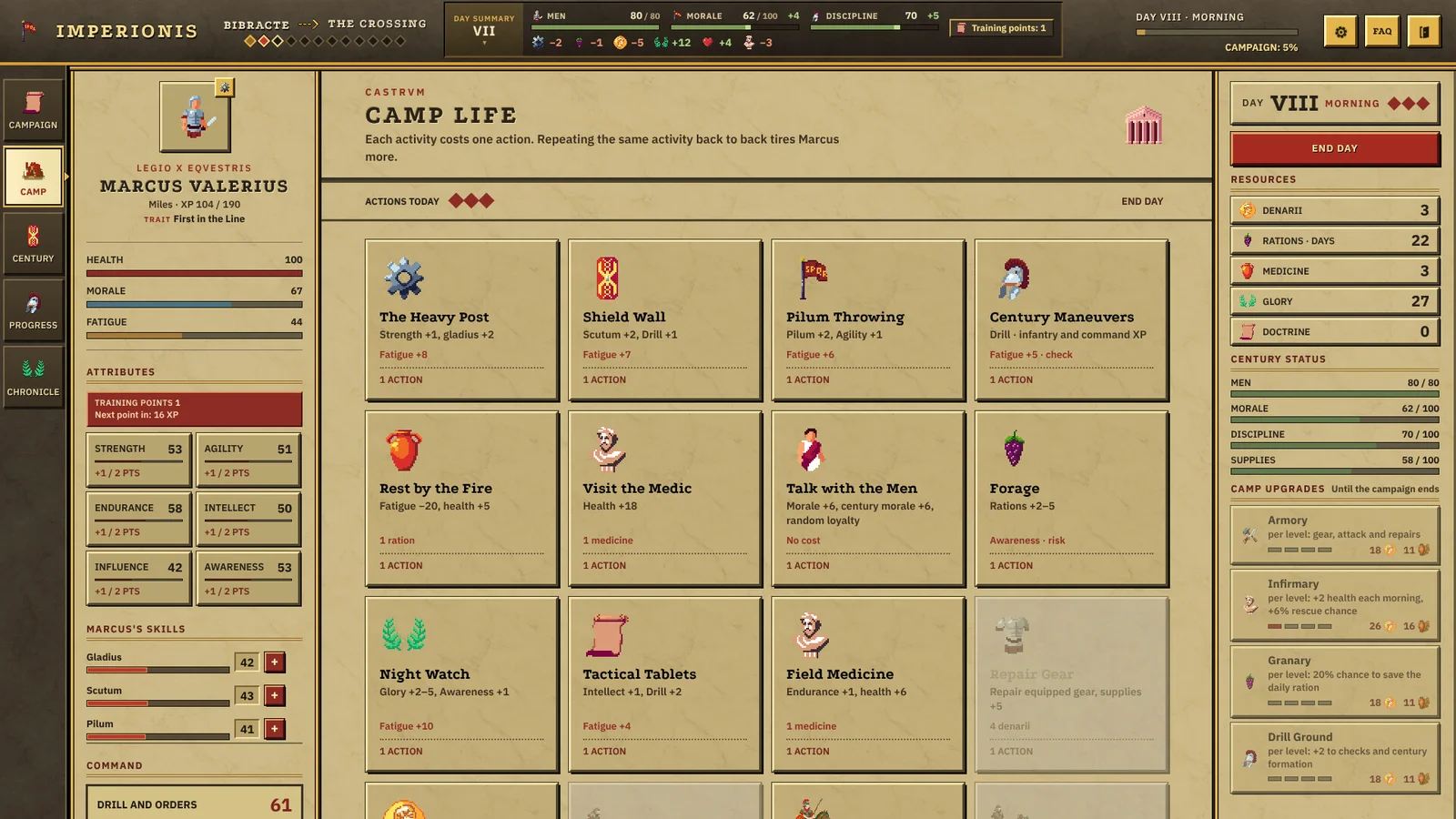 Training and morale actions
Watch the Imperionis trailer
See the campaign and battlefield views in MrArcivorum’s 56-second trailer.
Imperionis guide directory
Starts and Saves
Choose between continuing an existing campaign, starting a new one, and finding the Windows files for your current run.
Battle Control
Choose how to command an engagement and use disabled-action hints to find what is blocking an order.
Recovery and Training
Decide whether the century needs men, provisions and pay, or a battle to advance beyond its training cap.
Troops and Battlefield Objectives
Match troop roles to the win condition, read what happened in a battle, and prepare the century for a different objective on its next march.
Commander, Doctrines and Legacy
Choose a commander for a new run, decide what a D20 roll is worth, and understand what doctrine and legacy choices change.
Which release are you playing?
Imperionis is a tactical role-playing game by MrArcivorum about commanding a Roman century during Caesar’s campaign in Gaul. The full Steam game is the reference for these guides. The Steam demo covers 24 in-game days and three missions. Before comparing controls or bugs, confirm which library entry you launched. An earlier Itch demo describes a separate release point.
Start or continue a campaign
Continue inside the game when you want to retain an existing run. The corrected Day One update allows ongoing campaigns to continue. Its new commander trait belongs to fresh campaigns, where it is chosen with the other commander options before the first day. If you want to find the local files, the developer’s Windows location is %APPDATA%\imperionis. Identifying that folder and choosing to start a new run are separate decisions.
Give orders and keep the unit ready
In manual combat, choose your units and issue commands on the hex grid. If an action is unavailable, click it in the current controls update to read the resource, action, or cooldown reason. If instead you want the game to run an engagement in real time, leave Autobattle enabled. Watch the effects of earlier losses and troop development before deciding what to change for the next encounter.
After combat, look at wounded soldiers who can come back, the next route stop’s reinforcements, and the camp recruitment action. The camp action spends glory and denarii, and pay falls every seven days. Read the daily summary before trading away resources your unit will need. A century ready for battle and a century with room to train have different next steps.
Pick a progression goal before spending the next camp action. If you are trying to restore headcount, start with the losses guide and compare when men can arrive. If you are trying to lift troop veterancy, check whether drills or operations can still contribute at the current level. If you are trying to promote the commander above Miles, check victories alongside experience. The commander’s training-point display and the troops’ veterancy level track different progress.
Read older advice in context
A launch build missed some Day One changes, and a separate hotfix addressed new campaign startup. The earlier suggestion to press Esc addressed a specific report before the fix. The latest controls notes give Esc the quit-menu behavior. The individual guides link their relevant release notes and discussions so you can compare the symptom and the point in the update history.
If the blocker persists, note the edition and the last screen that responds. A stalled new campaign, a continued campaign without a trait, and an individual command on cooldown lead to different decisions. The directory above takes you straight to the guide for each.